* With NachoPay:10% CASHBACK All Plans. Forever.Save up to $100/year
With any payment method:5% CASHBACK All Plans. Forever.Save up to $50/year
Redeem dealExclusive NachoNacho offer — must be redeemed through NachoNacho to qualify
Savings Summary:
Get 10% cashback on all UptimeRobot plans forever when you pay with a NachoCard, or 5% without one. New account signups can save up to $154/year. UptimeRobot monitors websites, APIs, servers, and cron jobs, alerts you to downtime, and offers public status pages to keep customers informed.
Deal eligibility requirements
This deal is only available for new UptimeRobot users.
All NachoNacho customers are eligible.
What is UptimeRobot?
A user-friendly monitoring tool designed to help businesses, developers, and website owners track the availability of websites, servers, and other online services. It checks websites, APIs, ports, and scheduled jobs, with options to monitor response times, keywords, DNS changes, and SSL certificate and domain expiry.
When an issue is detected, teams can receive alerts through channels such as email, SMS, mobile push, and integrations. Multi-location checks help identify regional problems, while incident management tools and status pages support investigation and communication with users.
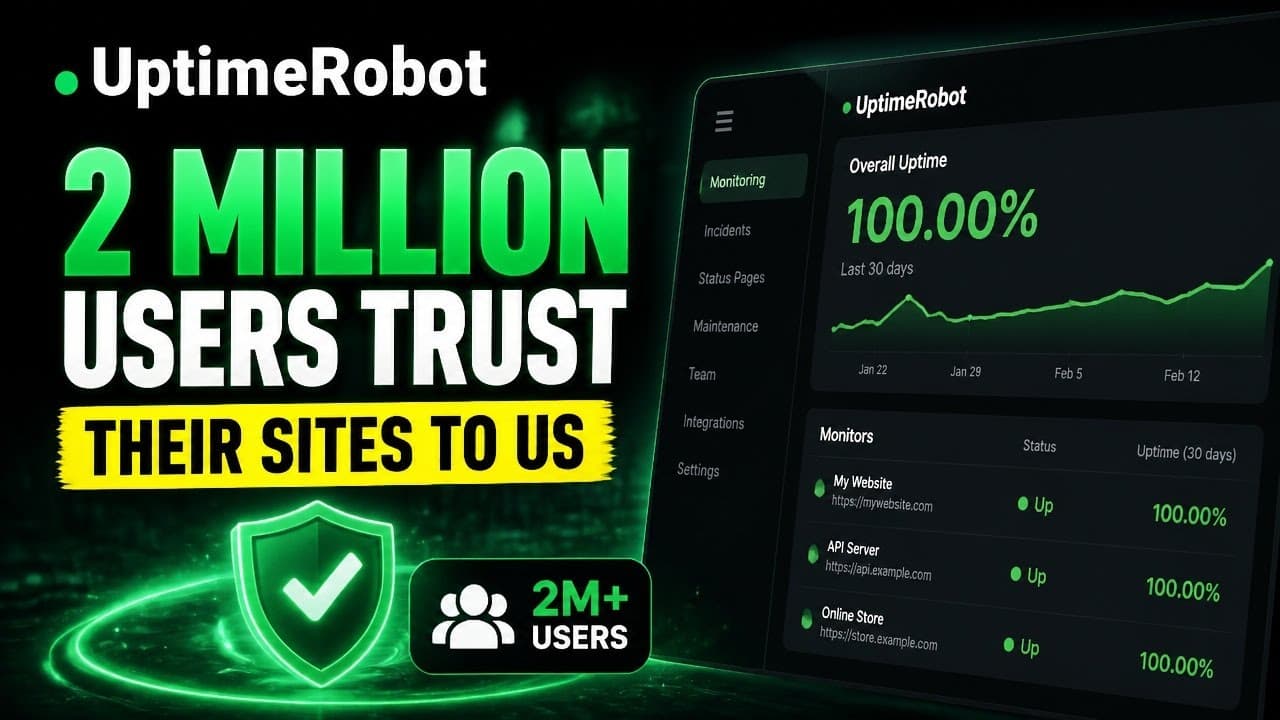
UptimeRobot screenshots and videos
Key benefits of using UptimeRobot?
UptimeRobot is an advanced yet easy-to-use, affordable monitoring service. It accommodates a diverse range of monitoring needs, from personal websites to enterprise services.
Spot problems sooner: Monitor websites, APIs, servers, ports and scheduled jobs, with alerts when a service goes down or responds slowly.
Get alerts where your team works: Receive notifications by email, SMS, voice call or mobile app, and connect tools such as Slack, Microsoft Teams and PagerDuty.
See more than uptime: Track response times, SSL certificate and domain expiration, DNS changes and issues that appear only in specific locations.
Keep customers informed: Share service health, incidents and planned maintenance through status pages.
Start at the scale you need: A free plan includes 50 monitors; paid plans offer more frequent checks, team features and enterprise options.
UptimeRobot Features
Monitor websites, APIs, servers, and online services with HTTP/HTTPS, ping, port, keyword, DNS, and UDP checks.
Track SSL certificate and domain expiration, response times, and scheduled jobs through heartbeat monitoring.
Choose monitoring intervals by plan: every 5 minutes on Free, 60 seconds on Solo, 30 seconds on Team, or 15 seconds on Scale. Enterprise offers custom intervals.
Run checks from multiple locations. Failed checks are confirmed from another data center before an incident is opened to reduce false alerts.
Receive alerts by email, SMS, voice call, or mobile push notification. Integrations include Slack, Microsoft Teams, Telegram, Discord, Google Chat, PagerDuty, Splunk On-Call, Pushover, Zapier, and webhooks; availability varies by plan.
Review uptime, response times, incidents, and downtime in the dashboard, with reporting options for sharing results.
Publish status pages to share service health, incidents, and maintenance updates. Paid plans offer options including custom domains, branding, and private pages.
Schedule maintenance windows to prevent planned work from triggering alerts. Configure notification settings and, on eligible plans, give teammates access to monitoring and status-page workflows.
Start with a free plan that includes 50 monitors and a basic status page; paid plans add faster checks and more capacity.
How UptimeRobot pricing works
UptimeRobot bills paid plans as subscriptions tied to a monitor tier, not by transaction or message. Solo, Team and Scale differ in monitor capacity, check frequency and included features. A growing team may also need additional per seat access: login seats can manage monitors, while notify-only seats receive alerts.
Paid plans offer monthly or annual billing; annual billing costs less over the year. The pricing page does not identify a feature available only with annual billing. Enterprise is quoted on request for custom capacity, faster checks and service terms, including white-glove onboarding. No separate onboarding or implementation fee is stated.
Minimum seats: no separate purchase minimum is stated. Team includes 3 login and 3 notify-only seats; Scale includes 5 of each. Additional seats cost extra.
More monitors: moving beyond a tier’s capacity requires a higher monitor tier or a custom Enterprise quote.
SMS and voice calls: included credits do not renew. Extra per credit packages are one-time purchases; optional automatic refills can add an overage cost.
The lifetime free plan includes 50 monitors at 5-minute monitoring intervals, basic status pages and limited integrations. It provides no login or notify-only seats; faster checks and shared dashboard access require a paid plan.
Get 10% CASHBACK with our exclusive UptimeRobot deal by subscribing from the NachoNacho marketplace. NachoNacho is the best way to buy SaaS with exclusive promo codes, coupons, and deals.
UptimeRobot has been a dependable way to keep tabs on our site and server uptime without any fuss. Setup is quick, and the alerts come through instantly whenever something goes down, which helps us react before users even notice. The dashboard is clean and…
HR
Herbert R.
Webmaster
4.0
Reliable Website Monitoring Solution
UptimeRobot is legit great. It keeps tabs on my sites 24/7, notifies me on downtime, and provides detailed reports. The sleek interface is a plus, but customizing alert settings can be a bit tricky. Still, it's a solid tool for any webmaster or sysadmin. Keep…
AF
Arlene F.
Software Engineer
5.0
Reliable
UptimeRobot is a real life-saver! It keeps a vigilant eye on my websites and notifies me instantly if anything goes wron. Easy setup, intuitive interface, and affordable pricing make it a top choice.
Frequently asked questions about UptimeRobot
UptimeRobot has a free plan with 50 monitors, five-minute checks and a basic status page. Paid subscriptions offer faster checks, different monitor capacities and additional team features, with monthly or annual billing. Pricing depends on the plan and monitor tier, so check the current subscription details before purchasing. Teams that need shared dashboard access should evaluate a paid plan.
UptimeRobot is a practical option for startups and small businesses that need to spot website, API or server outages without setting up a broader observability platform. Its free plan supports commercial projects and includes 50 monitors, but checks run every five minutes. A paid plan may make more sense when faster detection or shared access matters.
UptimeRobot focuses on external uptime checks, alerts and status pages, while Better Stack also offers a broader incident-response and observability workflow, including logs and on-call scheduling. UptimeRobot may suit a team that wants straightforward monitoring; Better Stack may suit one looking to consolidate investigation and response tools. Compare the monitoring and team features you need rather than treating the products as interchangeable.
The listed NachoNacho deal offers 10% cashback on UptimeRobot plans for new UptimeRobot users who are NachoNacho customers. NachoNacho provides the cashback, which may take 30–45 days to be credited. The offer is described as applying to all plans on an ongoing basis;
UptimeRobot is a hosted monitoring service for websites, APIs, servers and other online services. It runs scheduled checks and alerts teams when a service is unavailable or responds slowly. Businesses can also track response times, SSL certificate and domain expiration, DNS changes and scheduled jobs, then use incident information and status pages to communicate service issues.
UptimeRobot can send alerts by email, SMS, voice call and mobile push notification. It also supports integrations such as Slack, Microsoft Teams, PagerDuty, Telegram, Discord, Zapier and webhooks, depending on the plan. Check which channels your intended subscription includes; SMS and voice credits are limited, and buying or automatically refilling additional credits can add costs.
Yes. UptimeRobot offers status pages for sharing service health, incidents and planned maintenance with customers. The free plan includes a basic status page, while paid plans provide additional options that can include custom domains, branding and private pages. Teams can schedule maintenance windows so planned work does not trigger the same alerts as an unexpected outage.
UptimeRobot uses heartbeat monitoring to check whether a scheduled job reports that it has run. If an expected heartbeat does not arrive, the team can be alerted to investigate a missed or failed task. This is useful for backups, data imports and other background work that might fail without making a website or API unavailable.
UptimeRobot checks services from multiple locations and confirms a failed check from another data center before opening an incident. That helps distinguish a service outage from a problem affecting one checking location. Multi-location results can also help teams investigate regional issues, though external checks alone may not explain the underlying cause inside an application.
UptimeRobot’s check frequency depends on the plan: the free plan checks every five minutes, while paid plans offer more frequent checks. This matters if a brief outage could affect a checkout or customer-facing application before the next check runs. Choose a monitoring interval based on how quickly your team needs to detect problems, not just the number of sites monitored.