







NachoNacho
NachoNacho
↓
  1. SaaS Marketplace
    ↓
  2. Office Tools, Admin
    ↓
  3. Time Doctor Promo Code
Image for product Time Doctor in the marketplace NachoNacho

Time Doctor

4.7(5 reviews)
20% CASHBACK All Plans. 1st year. *
Save up to $48/year
Time Doctor offers time tracking, web and app usage reporting, and workload insights for distributed teams
Share dealShare
* With NachoPay:20% CASHBACK All Plans. 1st year.Save up to $48/year
With any payment method:8% CASHBACK All Plans. 1st year.Save up to $20/year
Redeem dealExclusive NachoNacho offer — must be redeemed through NachoNacho to qualify
Savings Summary:
New customers can get 20% cashback on all Time Doctor plans for the first year with a NachoCard, saving up to $48/year. Without a NachoCard, cashback is 8%, saving up to $20/year. Redeem the deal before purchasing. Time Doctor tracks work hours, attendance and project time, with analytics to help teams understand productivity and workloads.

Deal eligibility requirements

  • New customers only. This deal applies to first-time accounts with the software vendor.
  • You must click “Redeem deal” before purchasing to ensure your cashback is properly tracked.
  • Use the same email address for both NachoNacho and the vendor account so your purchase can be correctly attributed for cashback. 
  • This deal is delivered as cashback from NachoNacho after purchase, once the vendor confirms the transaction (typically 30–45 days).
  • This purchase is eligible for cashback exclusively from NachoNacho — skipping this means paying full price.
  • Learn more about how NachoNacho exclusive cashback offers work and what to expect after purchase. 
  • Questions? Our team can help review eligibility and answer questions before or after purchase. 

What is Time Doctor?

Workforce visibility and time tracking software for distributed teams. It records hours against projects and tasks and gives managers and employees a shared view of how time is spent.

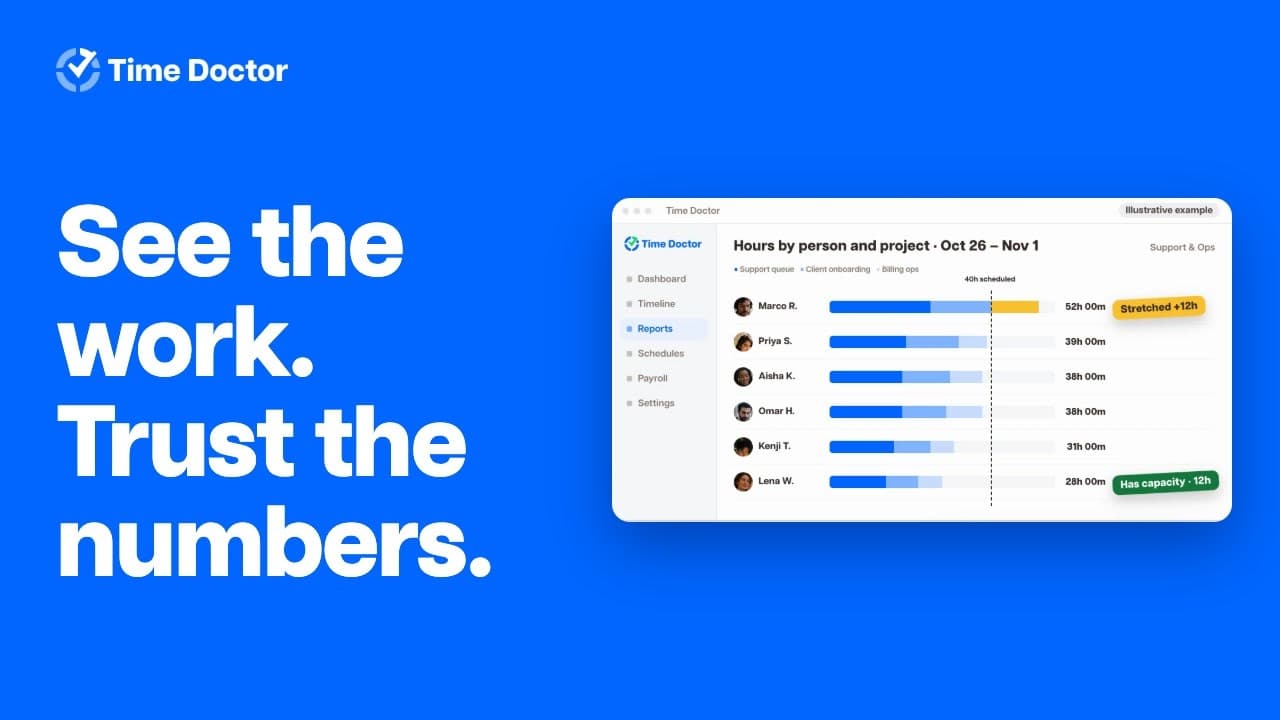
Dashboards and reports help teams understand activity, validate work records, and balance workloads across people and projects.

Time tracking and reporting

  • Review tracked hours, timesheets, task and project breakdowns, and website and application usage during tracked time.
  • See activity, idle time, breaks, and attendance in reports. Employees can review their own hours and work data.
  • Use idle-time alerts and optional reminders to help employees stay on track. 

Configurable work verification

  • Enable optional screenshots or screen recording where visual context is needed. Administrators can configure capture settings, including screenshot frequency and blurring.
  • Apply privacy controls to screenshots, web and app tracking, and access permissions. Break tracking does not capture screenshots or web and app activity. 

Connected workflows

  • Connect with 60+ tools across project management, payroll, HR, help desk, and CRM, including Asana, Jira, Trello, GitHub, Salesforce, Freshdesk, and Workday.
  • Use tracked hours and work records to support payroll, billing, and workforce planning.

Time Doctor screenshots and videos

  • Video 1 of Time Doctor

Key benefits of using Time Doctor?

  • See where work time goes: Track hours across projects and tasks, with automatic, manual, and offline options.
  • Improve focus and performance: Use activity reports and productivity insights to identify bottlenecks, time-consuming work, and opportunities for coaching.
  • Plan workloads with data: Review work patterns and capacity to balance assignments across people and projects.
  • Simplify payroll preparation: Capture attendance, review hours and breaks, and generate payroll-ready reports.
  • Make better decisions about software spend: See which apps teams use and identify tools or licenses that may be underused.
  • Support transparent accountability: Give employees visibility into their own work data, with configurable controls for screenshots and app tracking.
  • Fit existing workflows: Connect with more than 60 tools across project management, payroll, HR, and other business functions.

Time Doctor Features

  • Track work hours automatically or manually, including time worked offline.
  • Track time by project and task, with timeline and hours reports showing where work time goes.
  • Capture attendance, schedules and breaks, and let managers approve time before payroll.
  • Generate payroll-ready reports from tracked hours.
  • View activity summaries, website and app usage, idle time, and configurable productivity ratings.
  • Use optional screenshots and screen recordings for visual work context, with configurable privacy controls.
  • Monitor workloads with work-life balance metrics, wellness reminders and real-time notifications.
  • View hours, tasks, shifts and productivity in real-time dashboards; export data for further analysis.
  • Compare work patterns with AI-matched peer groups and examine how meetings affect focus time.
  • Identify underused software and flag unusual patterns in time data.
  • Connect Time Doctor with more than 60 tools, including project management, payroll and HR systems.

How Time Doctor pricing works

Time Doctor bills per seat, not by hours tracked. Each active user counts, including owners, admins and managers who do not track time. Adding a user increases the bill, with a prorated charge when the seat is added mid-cycle. Client accounts are free.

Monthly subscriptions are billed in advance; annual subscriptions are paid upfront for the year. The same published plans are available on either schedule. Enterprise has custom terms and requires a sales quote. Wire transfers and checks are available only for annual payments.

  • Minimum: There is no published seat minimum, so one seat is enough. If your contract specifies a minimum user count, annual billing is based on that count even when fewer users are active.
  • Extra licences: Using both the Automatic and Interactive apps requires a separate licence for each version.
  • Paid add-on features: Depending on the feature, these are billed per user, per integration or per account on top of the plan.
  • Taxes: Applicable sales or consumption taxes are added at checkout.
  • Enterprise services: Guided implementation, onboarding and professional services fall under custom terms; request a quote.

The free trial gives new accounts access to Premium features without a credit card. It ends after two weeks; continued access requires a paid plan, and lower tiers do not retain every Premium feature. The current pricing page lists no ongoing free plan.

Time Doctor pricing

Basic

$8.00

Per User, Per Month

Month-to-month


It includes

  • Time Doctor MCP
  • Automatic tracking
  • Projects & Tasks
  • Timeline Report
  • Screenshots
  • Online / Offline Tracking
  • Knowledge Base
  • Groups / Teams

Standard

$14.00

Per User, Per Month

Month-to-month; everything in Basic, plus listed features


It includes

  • Schedules
  • Attendance
  • Time approvals
  • Activity Summary
  • Web & App Usage reporting
  • Productivity Ratings
  • Leave tracking
  • Break tracking
  • Payroll
  • Work-life balance metrics
  • Real-time notifications
  • 60+ integrations
  • Upgraded support

Premium

$20.00

Per User, Per Month

Month-to-month; everything in Standard, plus listed features


It includes

  • Benchmarks AI
  • Office vs Remote Report
  • Unusual Activity AI Report
  • Mouse jiggler & Clicker Detection
  • Irregular Keyboard Activity
  • Internet Connectivity Tracking
  • Video screen recording
  • Dedicated Success Manager
  • Executive Dashboard & reporting
  • Automatic user provisioning
  • Historical tracking data
  • Open API access
  • Single Sign-On (SSO)
  • Client Login Access
  • Meeting Insights
  • Software cost insights

Enterprise

Contact sales


It includes

  • Private Cloud Deployment
  • Customizable BI Dashboards
  • Custom pricing and contract terms
  • Guided implementation and onboarding
  • Professional Services & Custom development

Pricing last verified November 10, 2026.

Compare Time Doctor

Side-by-side comparisons of Time Doctor against the products it is most often weighed up against.

Time Doctor Discount Available

20% CASHBACK All Plans. 1st year.
Save up to $48/year
Get 20% CASHBACK with our exclusive Time Doctor deal by subscribing from the NachoNacho marketplace. NachoNacho is the best way to buy SaaS with exclusive promo codes, coupons, and deals.

Time Doctor reviews

5 verified reviews from NachoNacho members

Aditya N.
Principal
4.0

Big discount on time doctor - definitely worth it

I use this for my freelance work. The time tracking is accurate, and the detailed reports help me understand where my time goes. However, the constant screenshot feature feels invasive, and the mobile app is quite limited. Despite these drawbacks, it has…
Eddie L.
CEO
5.0

Excellent time management software

The screenshot feature is genius; gives just the right nudge to stay on track, nothing intrusive. The integrations are super simple and easy to use. My productivity has skyrocketed. If you're drowning in to-dos and need a solid anchor, Time Doctor's your…
Violet S.
CEO
5.0

Excellent time management software

Hey there, I just had to share my experience with Time Doctor. I’ve really struggled with productivity while working from home but Time Doctor has helped me to stay on task and focused. It’s easy to use with helpful features like pop-up alerts and automated…
Arturo S.
Freelancer
5.0

Big time productivity boost

Wow! Time Doctor is a gem in its niche, with the perfect balance of features and user-friendliness. It has everything you could possibly need to keep track of your productivity, including helpful pop-up reminders, detailed reports, and automated screenshots…
Betsy H.
CEO
4.5

Affordable option for time tracking

Time Doctor is an exceptional time tracking software that enables me to efficiently manage my team's work hours. It's got a great mobile app, and user-friendly features, including accurate time records, activity monitoring, and productivity analytics, have…

Frequently asked questions about Time Doctor